 Brightgrain
ThreadCircle
Your friends’ closets, shared in one private place.
Create a circle with the people you trust, share the clothes you’re happy to lend, and keep every borrow organized from request to return.

For iPhone and iPad. For people aged 13 and over.
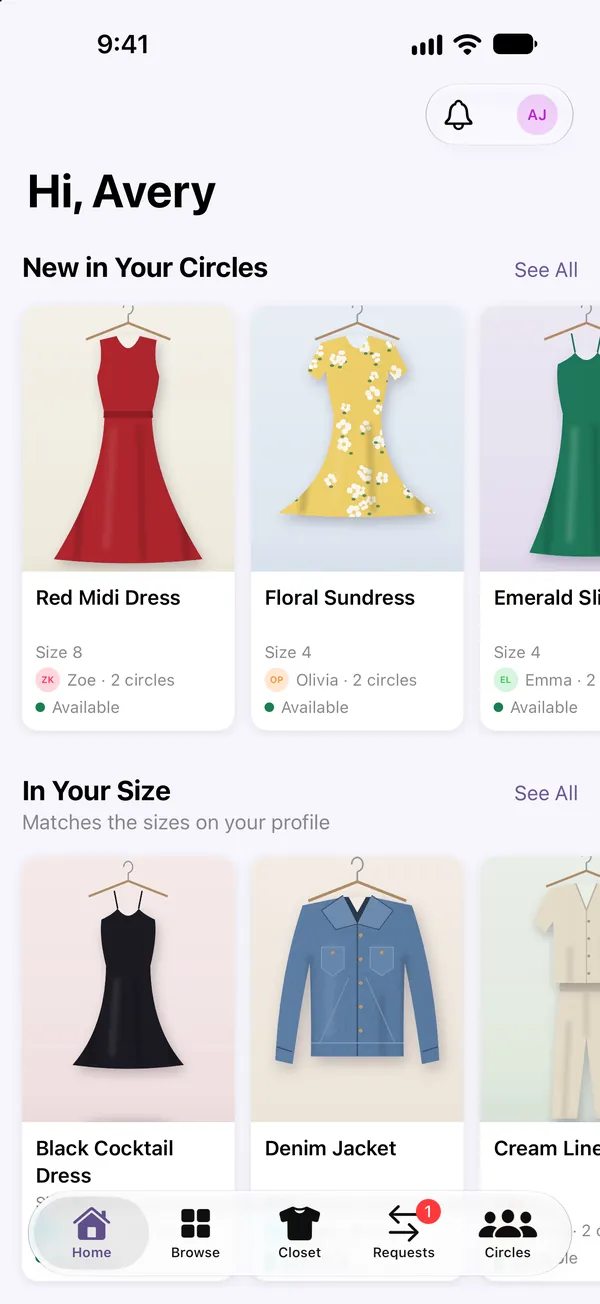
Borrowing between friends, without the group-chat chaos
No more “who has my black dress?” ThreadCircle keeps track of what’s shared, what’s out and what’s due back.
Private circles
Start a circle for friends, roommates, teammates or family, and invite people with a link, a QR code or a join code. Only members can see what’s shared there.
List your clothes
Add a photo, size, brand, color and notes, then choose which circles can see each item. Items you don’t share stay visible only to you.
Ask to borrow
Request an item for specific dates. The owner approves or suggests changes, and nothing is confirmed until they agree.
Track availability and returns
See what’s available in your size, what you’ve lent out, and when things are due back, with reminders along the way.
Report and block
Report an item, photo, announcement or person from inside the app, and block any member. Reports are reviewed under our community rules.
Inside the app
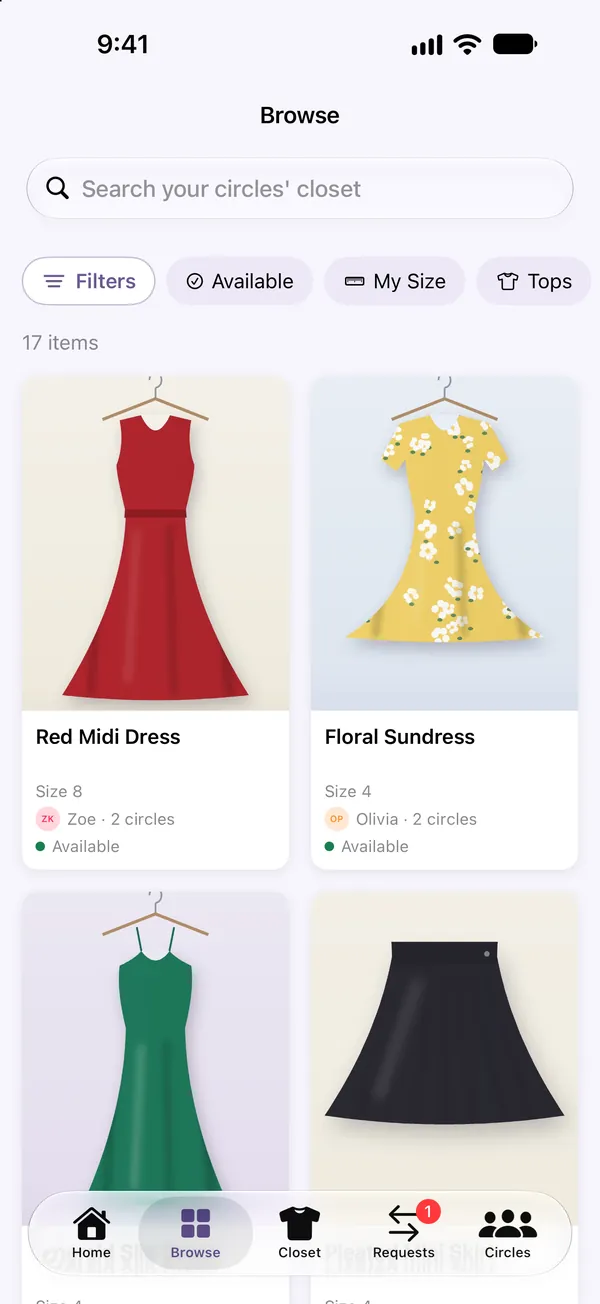
Search and filter by size 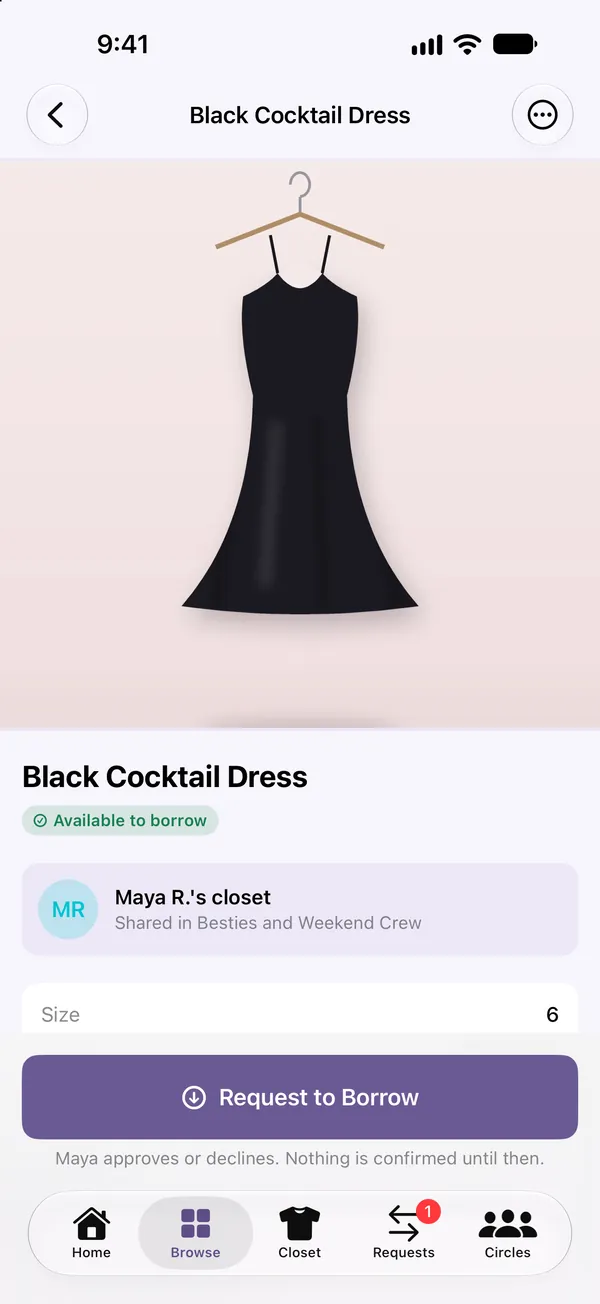
Ask to borrow in a few taps 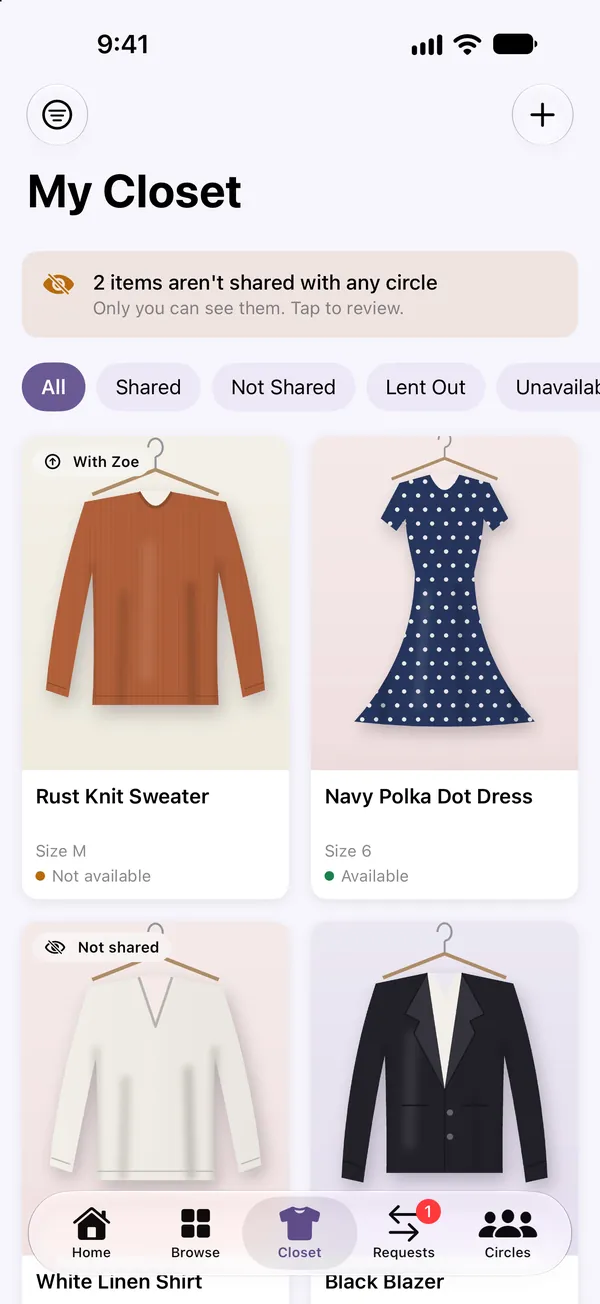
See where your clothes are 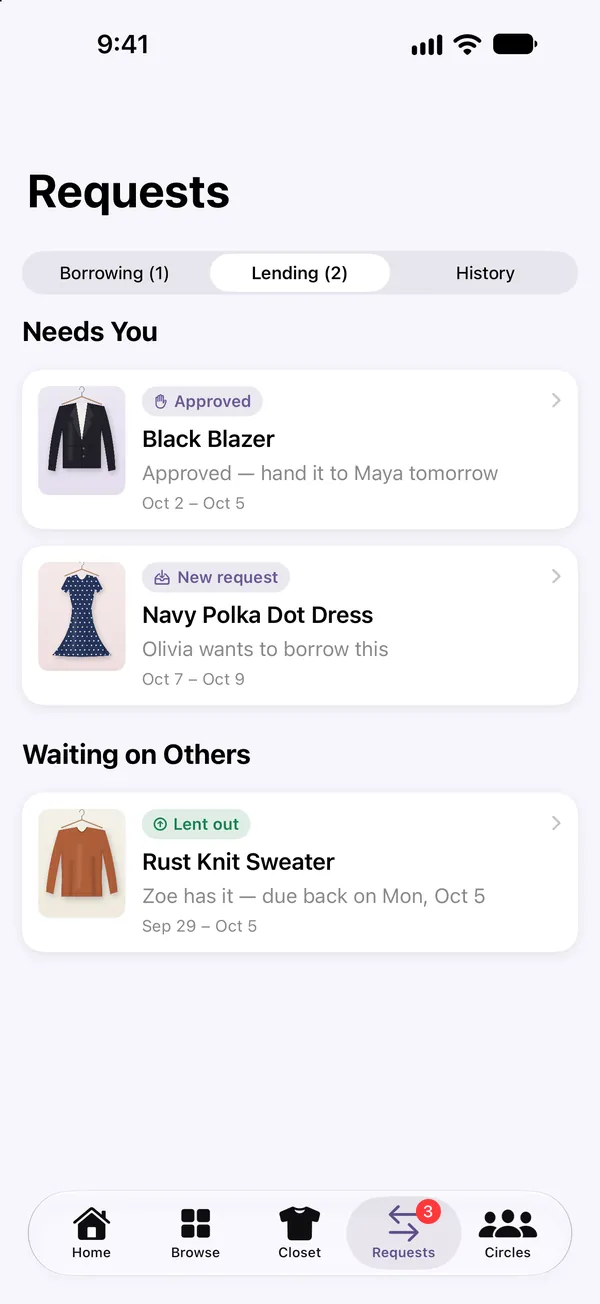
Requests in plain language 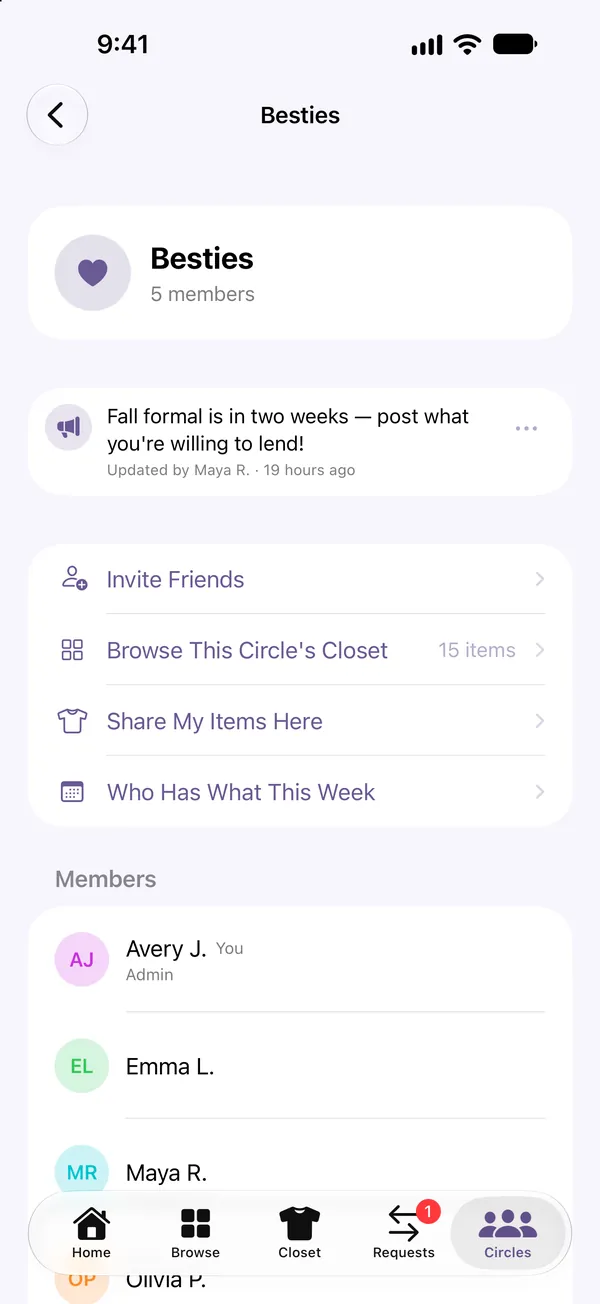
Private circles
How it works
- Create or join a circle. Invite people with a link or QR code, or enter a code someone sent you.
- Share what you’re happy to lend. Photograph an item, add its details and pick the circles that can see it.
- Borrow and return. Send a request, agree on dates, hand it over, and mark it returned when it comes back.
Questions
Who can see my clothes?
Members of a circle can see the items you share with that circle, along with your first name, last initial and profile photo. Items you haven’t shared with any circle are visible only to you. Brightgrain can access content stored in ThreadCircle to run the service and review reports; see the privacy policy for details.
Do I need an account?
Yes. ThreadCircle uses an email address and password so your circles and items are available on your devices, and it asks for your date of birth once to confirm you are at least 13.
Is ThreadCircle a place to sell clothes?
No. It’s for lending and borrowing within groups you trust. You may list only items that are yours to lend.
How do I delete my account?
In the app, go to Profile → Settings → Delete Account. If you can’t use the app, email support@brightgrain.net.